“This is by far the best learning platform I've joined. I've referred it to several friends already. The value offered outweighs the cost by a ridiculous amount. Thank you!”
NEW Stage 17: Claude Images is live
Build AI skills you'll actually use.
A step by step roadmap that takes non-coders from an empty AI account to real, finished work: websites, brand systems, marketing, social content and ads. If you can type, you can build.



 +345
+345★★★★★ 4.9 from 7 reviews
345 members · 15,000+ Reliablesoft students
345 members · 15,000+ Reliablesoft students
17stages, in order
200+step by step lessons
170+copy and paste prompts
17quizzes + key learnings
0lines of code needed
Sound familiar?
Stop learning AI. Start building with it.
If you're tired of…
- Tutorials that go nowhere
- Learning AI but having nothing to show for it
- Feeling left behind while everyone else ships
- Paying developers for tasks AI can do
- Not knowing where to start
In the Lab you get…
- One clear roadmap, from setup to client ready work
- A finished project at the end of every stage
- Prompts written for the course, ready to paste
- Ready made skills you can install in 30 seconds
- A private community that answers your questions
What you'll build
Real projects you finish,
not theory you forget.
Every stage ends with something you can use, publish or sell. Here's a taste.
Stages 5 + 6
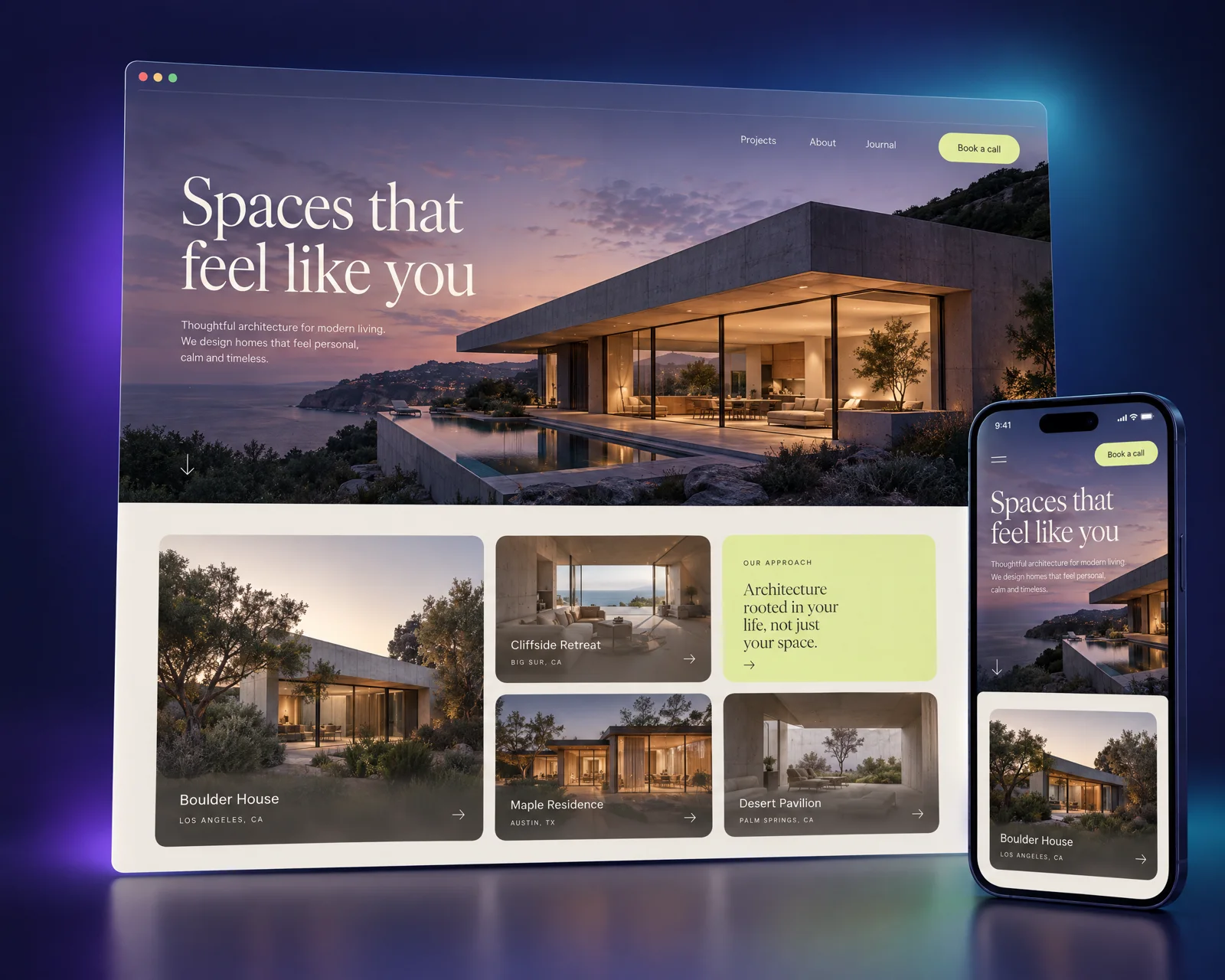
A custom website, live on your own domain
Stage 9
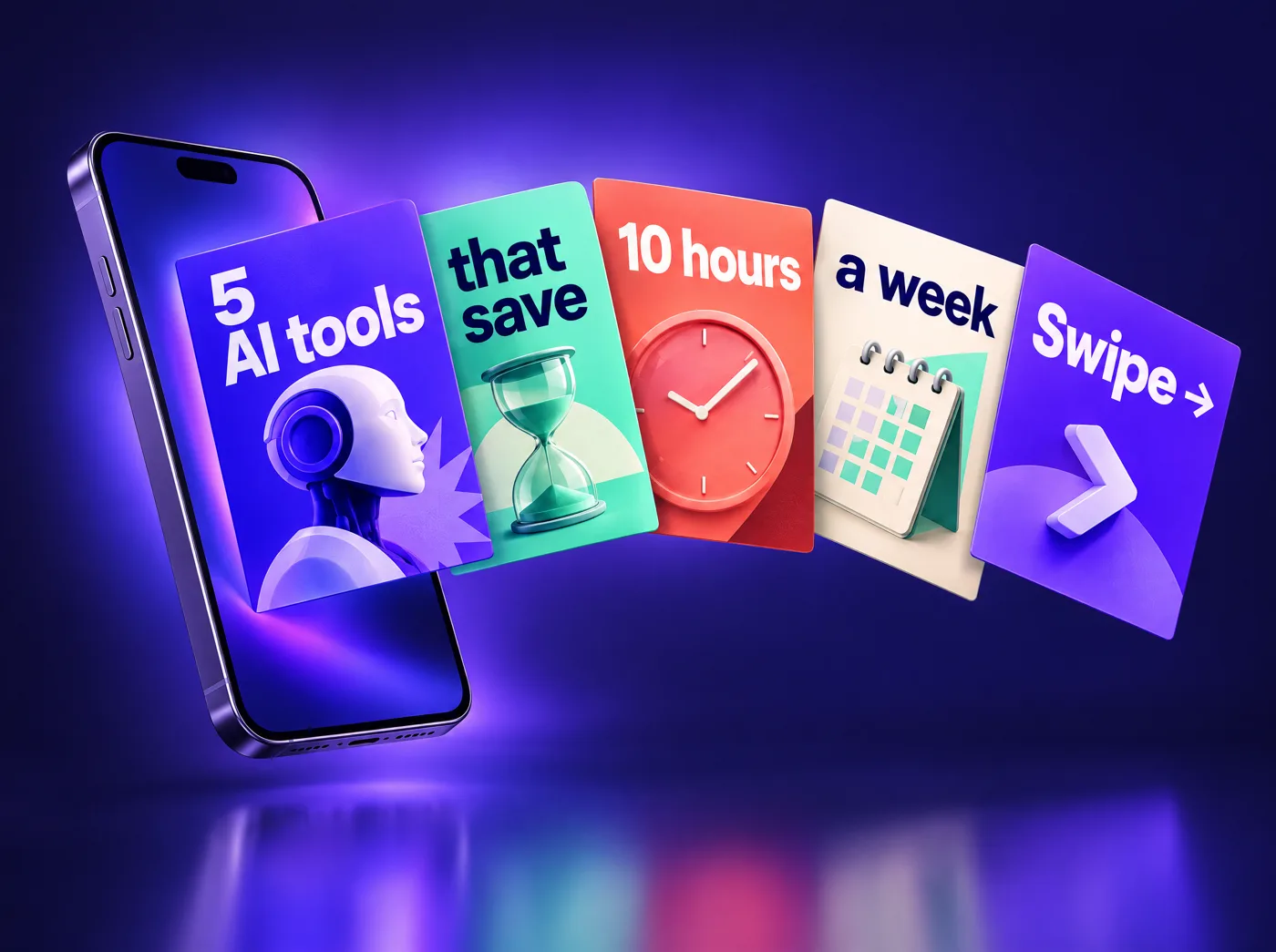
Carousels for 3 platforms

Stage 10
A cinematic video ad
Stage 11
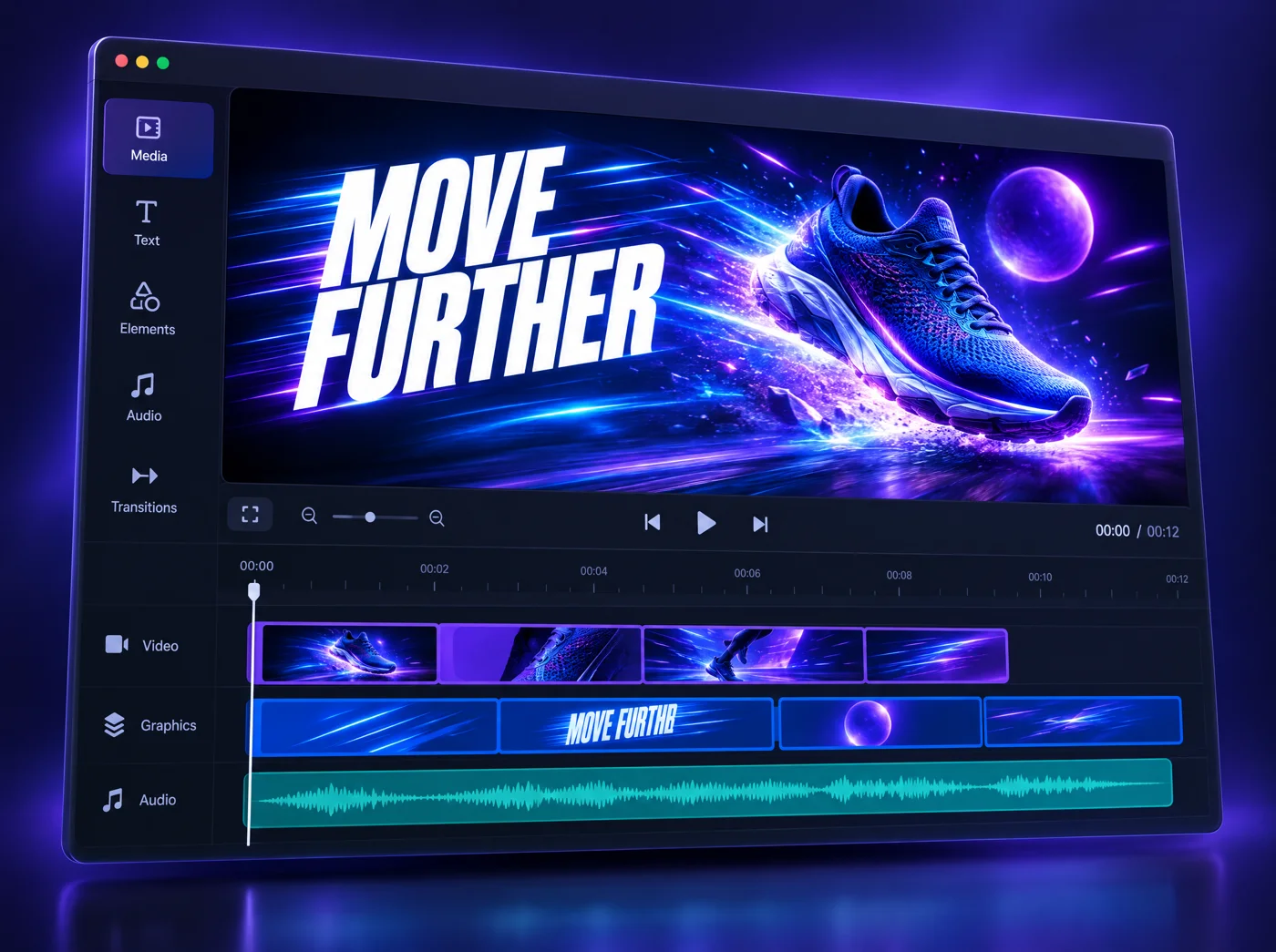
Motion graphics + launch videos
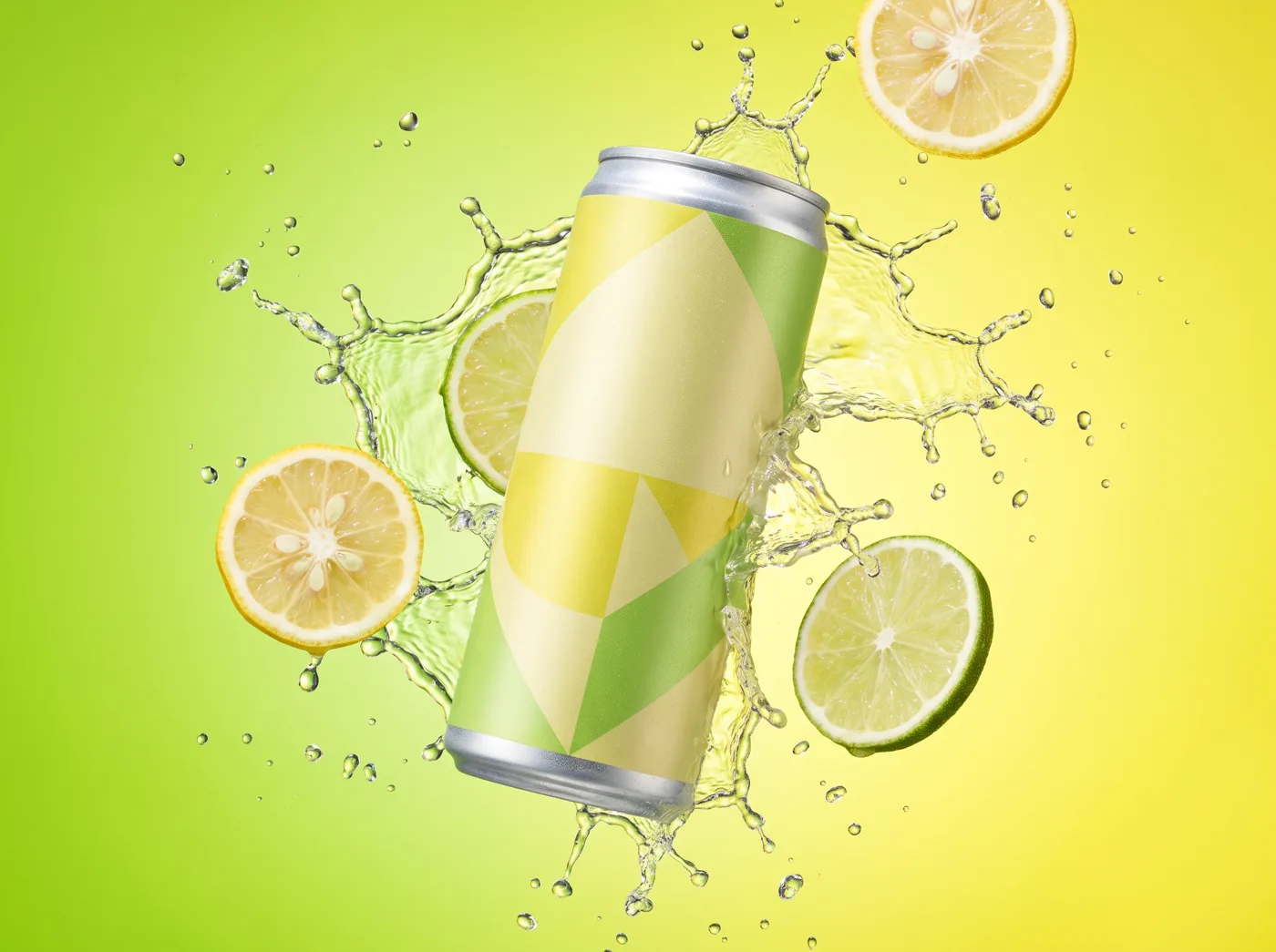
Stage 12
A full static ad campaign in 4K

Stage 13
UGC video ads in four formats

Stage 14
A cinematic website driven by the scroll wheel
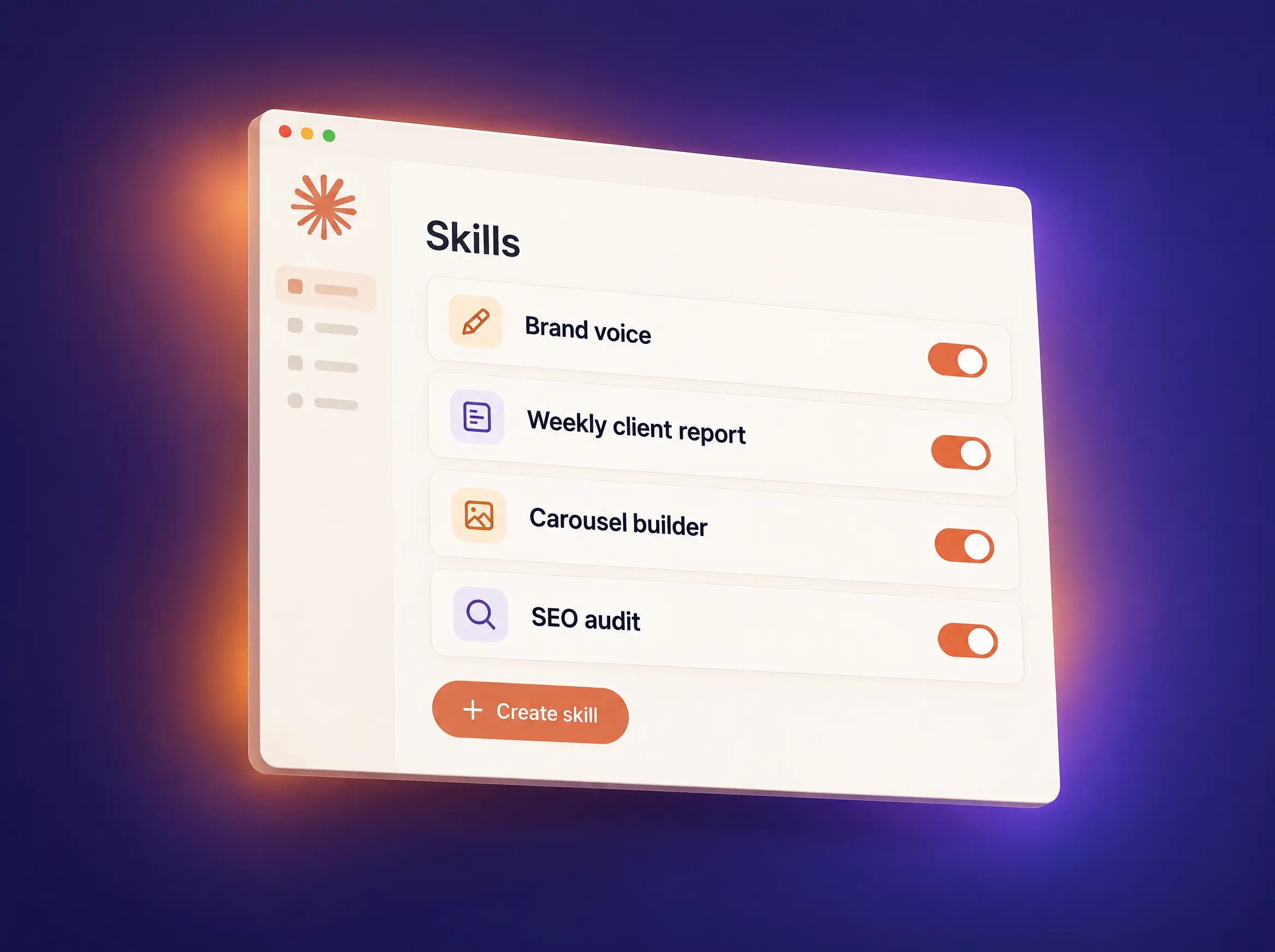
Stage 3
Your own Claude Skills

Stage 7
AI agents that research for you
The roadmap
17 stages. One clear path.
Take them in order and each stage builds on the last. Already know the basics? Jump straight to the stage you need. Open any stage to see every lesson.
- Welcome to the AI Builders Lab
- Create Your Claude Account
- Choose the Right Plan
- Install the Desktop and Mobile Apps
- Your First Real Conversation
- Prompting Fundamentals
- Iterating Like a Pro
- Quiz
- FAQ
- Key Learnings
- Wrap-up: Quiz · FAQ · Key Learnings
You'll finish with
- Your Claude account on the right plan
- Desktop and mobile apps installed
- A reusable prompt template
Tools
Claude
- Welcome
- How Claude Remembers
- Memory in Every Claude App
- Turn On and Control Memory
- Tell Claude About You
- Projects: Rooms That Remember
- Your Identity Kit: business.md
- soul.md: Your Story
- design.md: Your Look
- voice.md: How You Sound
- audience.md: Who You Serve
- Wire It All Together
- Quiz
- FAQ
- Key Learnings
- Wrap-up: Quiz · FAQ · Key Learnings
You'll finish with
- Memory set up and under your control
- A Project that remembers your work
- A 5 file identity kit: business, story, look, voice, audience
Tools
Claude MemoryClaude Projects
- Welcome
- What Is a Skill?
- Turn Skills On
- Find Your Way Around
- Build Your First Skill
- Use & Improve Your Skill
- Stay Safe
- Quiz
- FAQ
- Key Learnings
- Wrap-up: Quiz · FAQ · Key Learnings
You'll finish with
- Your first Claude Skill, built and tested
- A habit for spotting what to automate next
Tools
Claude Skills
- Welcome
- Claude Code vs Regular Chat
- Set Up Your Workspace
- Install the Frontend Design Plugin
- Create Your Brand Guide
- Build Your Landing Page
- Turn Posts Into Carousels
- Grow Your Workspace
- Quiz
- FAQ
- Key Learnings
- Wrap-up: Quiz · FAQ · Key Learnings
You'll finish with
- A branded AI workspace
- Your brand guide
- A landing page
- Carousels from your posts
Tools
Claude CodeFrontend Design plugin
- Welcome
- Downloads
- Setup (Do This Once)
- Step 1: Interview & Design System
- Step 2: Structure & Scroll
- Step 3: Copy
- Step 4: Asset Prompts
- Step 5: Polish & the Anti-AI Gate
- Publish Your Site
- Quiz
- FAQ
- Key Learnings
- Wrap-up: Quiz · FAQ · Key Learnings
You'll finish with
- A custom website with its own design system
- Copy and image prompts that don't look like AI
Tools
Claude Code
- Welcome
- How a Website Goes Live
- Get Your Folder Ready
- Buy Your Domain
- Put Your Site on Vercel
- Connect Your Domain
- Test Before You Share
- Update Your Live Site
- Quiz
- FAQ
- Key Learnings
- Wrap-up: Quiz · FAQ · Key Learnings
You'll finish with
- Your site live on your own domain
- A go-live checklist you can reuse for clients
Tools
VercelClaude Code
- Welcome
- What Is Claude Cowork?
- Get Into Cowork (Setup)
- Cowork vs Claude Code
- Connectors & Plugins
- Set Up a Project (Don't Skip This)
- Give Cowork a Browser
- Your First Real Task: Competitor Research
- Quiz
- FAQ
- Key Learnings
- Wrap-up: Quiz · FAQ · Key Learnings
You'll finish with
- A Cowork project set up for your business
- A browser agent
- A competitor research report
Tools
Claude CoworkClaude in ChromeConnectors
- Welcome
- Set Up Your Home Base
- Teach Claude Your Business
- Task 1: Your One Week Marketing Plan
- Task 2: Visuals & Social Graphics
- Task 3: A Landing Page From One Paragraph
- Task 4: Email Marketing With Gmail
- Task 5: Mini SEO Audit On One Page
- Task 6: Turn Plans Into Tools
- Task 7: Research Your Competitors
- Quiz
- FAQ
- Key Learnings
- Wrap-up: Quiz · FAQ · Key Learnings
You'll finish with
- A one week marketing plan
- Social graphics
- A landing page from one paragraph
- Email replies and a welcome sequence
- An SEO audit
- Simple tools and a competitor report
Tools
Claude CoworkGmail connector
- Welcome
- Why Carousels Work
- What Each Platform Wants
- Choose a Topic Worth Swiping
- The Slide Spine
- Write the Words First
- Make the Cover Earn the Swipe
- Design Rules That Survive the Feed
- Build Your Design System Once
- Build the Slides With Claude
- Export for Every Platform
- Captions, Alt Text and Hashtags
- Post, Measure, Repeat
- Quiz
- FAQ
- Key Learnings
- Wrap-up: Quiz · FAQ · Key Learnings
You'll finish with
- A ten slide carousel
- A reusable design system
- Exports, captions and alt text for three platforms
Tools
Claude Code
- Welcome
- Story First, Always
- Break the Story Into Elements
- Create Your Characters
- Create Your Props and Location
- Shoot Scene by Scene, Not All at Once
- Shoot Scene One
- Chain Scene Two to Scene One
- Shoot the Final Scene
- Assemble the Ad and Add Sound
- Reuse the Workflow for Any Product
- Quiz
- FAQ
- Key Learnings
- Wrap-up: Quiz · FAQ · Key Learnings
You'll finish with
- A storyboard
- A library of reusable characters, props and locations
- A finished cinematic ad with sound
Tools
ClaudeHiggsfieldCapCut
- Welcome
- What Motion Graphics Actually Are
- Set Up HyperFrames
- How Every HyperFrames Prompt Works
- Your First Animated Title Card
- Animate Real Data With a Chart Race
- Animate a Whole Script From a Subtitle File
- Save Your Brand as a Style
- A Product Launch Video From One Prompt
- Pull From the Catalog Instead of Starting Blank
- Edit, Re-render and Reuse
- Five Rules for Better Results
- Quiz
- FAQ
- Key Learnings
- Wrap-up: Quiz · FAQ · Key Learnings
You'll finish with
- An animated title card
- A bar chart race from real data
- A product launch video
- Your brand saved as a reusable style
Tools
Claude CodeHyperFrames
- Welcome
- Why Most AI Ads Fall Apart
- Set Up Your Workspace
- How To Write An Image Prompt
- Create The Master Product Image
- Build The Product Reference Sheet
- The Two Pass Ad
- The Lifestyle Ad
- Borrow A Composition You Like
- Expand Into A Product Family
- Build A Real Testing Board
- Upscale To Four K
- Run It On Your Own Product
- Quiz
- FAQ
- Key Learnings
- Wrap-up: Quiz · FAQ · Key Learnings
You'll finish with
- A product reference sheet
- Hero, lifestyle and product family ads
- An A/B/C testing board
- 4K upscaled finals
Tools
ChatGPTGPT Image 2Higgsfield
- Welcome
- What Makes A UGC Ad Work
- Set Up Your Workspace And Connect The Plugin
- The Order That Decides Everything
- Step One: Concept And Script
- Step Two: The Creator Identity Sheet
- Cast And Product Sheets
- The Location Plate
- Step Three: The Storyboard
- Step Four: Make The Video
- Inside The Prompt Claude Sent
- Ad Two: Before And After
- Ad Three: The How-To
- Ad Four: Product Usage, And What Happens Without The Process
- Ten Ads From One Product
- Before You Publish
- Quiz
- FAQ
- Key Learnings
- Wrap-up: Quiz · FAQ · Key Learnings
You'll finish with
- Unboxing, before and after, how-to and product-in-use ads
- Creator, cast and product sheets
- Ten ad ideas from one product
Tools
Claude CodeHiggsfield
- Welcome
- What Makes A Website Cinematic
- Set Up The Project And Connect Higgsfield
- Describe The Site Before You Design It
- The Opening Image
- From Image To Video
- Scroll Scrubbing, The Main Event
- Quality, 4K And What It Costs A Phone
- The Design Pass
- The Conversion Pass
- Put It Online
- Use Your Own Photos
- The Same Recipe For Any Business
- Before You Publish
- Quiz
- FAQ
- Key Learnings
- Wrap-up: Quiz · FAQ · Key Learnings
You'll finish with
- A scroll-driven hero video
- A full one page site with a working inquiry form
- Your site deployed live
Tools
ChatGPTHiggsfieldVercel
- Welcome
- What ChatGPT Sites Is
- Write The Brief And Build Version One
- Read The First Version
- The Design Pass
- Add Realistic Images
- Make The Contact Form Work
- Test The Form And The Phone
- Publish The Site
- Connect Your Own Domain
- Built In Analytics
- The Same Steps For Any Business
- Before You Send People To It
- Quiz
- FAQ
- Key Learnings
- Wrap-up: Quiz · FAQ · Key Learnings
You'll finish with
- A published business site
- A working contact form with a private inbox
- Your own domain and built-in analytics
Tools
ChatGPT Sites
- Welcome
- What Google Flow Is
- Credits And What Things Cost
- Your First Project
- Set Up The Agent
- Brief The Agent
- Check The Storyboard
- From Storyboard To Clips
- Edit One Clip
- Edit A Video You Upload
- Keep A Character The Same
- Start And End Frames
- Put The Ad Together In Scenes
- Download Your Ad
- The Same Steps For Any Product
- Before You Publish
- Quiz
- FAQ
- Key Learnings
- Wrap-up: Quiz · FAQ · Key Learnings
You'll finish with
- A 20 second video ad with sound and a spoken line
- A saved character who looks the same in every shot
- A start and end frame shot, edited and downloaded in 1080p
Tools
Google FlowVeo 3.1Nano Banana
- Welcome
- Graphics Vs AI Photos
- Pay Per Image, Not Per Month
- Get Your Google API Key
- Get Your OpenAI API Key
- Create The Image Studio Environment
- Run The Setup Prompt
- Check And Fix Your Setup
- Create Your First Image
- Edit Any Image
- Edit Your Own Photos
- Add Text With GPT Image
- Pick The Right Model And Size
- Build A Website With AI Images
- Prompts For Everyday Jobs
- Track What You Spend
- Other Pay As You Go Options
- Before You Publish
- Quiz
- FAQ
- Key Learnings
- Wrap-up: Quiz · FAQ · Key Learnings
You'll finish with
- Your own image studio inside the Claude app
- Photos, edits and a poster with perfect text
- A website with an AI hero image, every cent tracked
Tools
Claude CodeNano BananaGPT Image
The community
You don't learn alone.
Every membership includes a private community of builders working through the same roadmap as you.
- 💬Ask questions, get answersStuck on a step? Post it and get help from the team and other members.
- 🚀Share what you builtPost your site, ad or carousel and get feedback before it goes live.
- 🗞️Weekly updates and tipsNew tools, prompts and course updates, posted every week.
345 members
🔒 Private members only
Active community
 AI Builders Lab community
Private
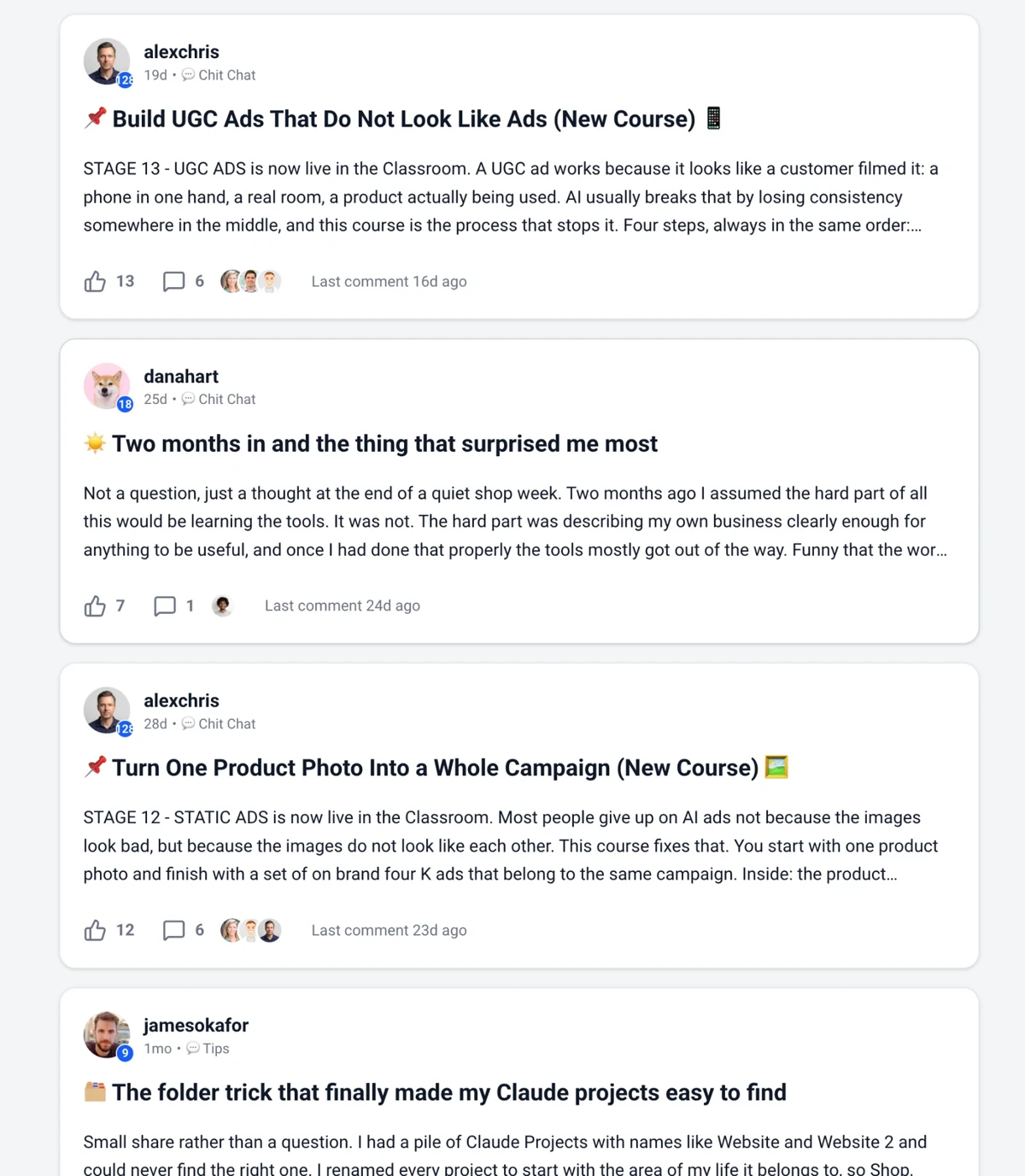
Real posts from inside the community
The toolkit
The AI tools you'll actually learn.
Step by step lessons on the exact tools we use every day, from AI assistants to video models to putting your work live.














+
More soonTurn it into income
Every stage is a skill you can charge for.
🌐
Websites
Build sites for local businesses and put them live on their domain.
Stages 5, 6, 14, 15📱
Carousels
Run social content for a brand or a founder, every week.
Stage 9🎬
Video + static ads
Sell ad creative to ecommerce stores, from 4K statics to UGC.
Stages 10 to 13, 16, 17🤖
Agents + skills
Automate a client's repeat work and charge a monthly retainer.
Stages 3, 7📈
Marketing
Deliver a full AI marketing stack: plans, SEO, email and copy.
Stage 8Use it to grow your own business, or to open a new revenue line. Most members do both.
Who it's for
Made for non-coders, not engineers.
Built for
📣Marketers + creators
🧑💼Solo founders
🌱Complete beginners
💼Freelancers
🔄Career changers
Not for
- Engineers looking for API tutorials
- Anyone expecting AI to do the work while they watch
Reviews
What members say.
4.9
★★★★★Average from 7 member reviews
“This group has been incredibly rewarding. I've been exploring AI tools for a while, and the value here is unmatched. My brain is flooded with new strategies and ideas daily!”
“I am really loving what I am learning in this community! Truly one of the best groups I've ever been a part of.”
“Just finished the first module and my mind is blown. Can't wait to dive into the rest.”
Reliablesoft AcademySince 2002Who teaches you
Learn from a marketer, not a lab coat.
The Lab is built by Reliablesoft Academy, led by a marketer with 20+ years of building real businesses online. Every stage is the exact system we use day to day to get real work done, written for people who have never opened a terminal.
20+years online
15,000+students worldwide
345Lab members
Pricing
Everything. One small price.
Lock in today's price for life. Every new stage we add is included, at no extra cost.
Hiring a developer for one siteHundreds to thousands
One-off AI courses$100+ each
AI Builders Lab, all 17 stages$9/month
Locked for life
AI Builders Lab membership
$9/ month
☕ Under $0.30 a day to stay ahead
- All 17 stages and 246+ lessons
- 170+ copy and paste prompts
- Ready made skills, installed in 30 seconds
- Quizzes and key learnings in every stage
- Private community with active support
- New stages and weekly tips as they land
Cancel anytime. No contracts.
FAQ
Questions, answered.
Do I need to know how to code?
No. The Lab is made for non-coders. Even the stages that use Claude Code walk you through every click, and you describe what you want in plain English.
Which AI plans do I need?
Stages 1 and 2 work on Claude's free plan. From Stage 3 onward a paid Claude plan is recommended, since Claude Code and the agent workflows are paid features. Stage 1 explains the plans in plain language so you only upgrade when you need to.
Is it only Claude?
Mostly. Claude is the backbone, but some stages use the best tool for the job: ChatGPT for static ads, cinematic websites and ChatGPT Sites, Higgsfield for images and video, HyperFrames for motion graphics, CapCut for editing and Vercel for hosting. Some of these have their own paid plans.
What happens in the community?
It's a private space for members only. Ask questions when you get stuck, share what you've built for feedback, and get weekly updates and tips on new tools, prompts and course changes.
Do I have to take the stages in order?
The roadmap is designed to be taken in order, and each stage builds on the one before. If you already have the basics, you can jump straight to the stage you need.
What's inside each lesson?
Step by step instructions with screenshots or video, prompts you can copy and paste, and a worked example. Every stage ends with a quiz, an FAQ and a key learnings recap.
Are new stages added?
Yes, regularly. The latest, Stage 17 (Claude Images), landed in October 2026, after Stage 16 (Google Flow) earlier that month and Stages 14 (Cinematic Websites) and 15 (ChatGPT Sites) in September. Every new stage is included in your membership at no extra cost.
Can I cancel?
Anytime, straight from your account. No contracts.
Your first finished AI project is one stage away.
Join 345 builders turning AI into real websites, content and client work.
Lock in $9/month for life · Cancel anytime